Gallery Manager
Click any photo to replace it with one from your computer. Edit the caption and click Save. Changes appear on the gallery page immediately.
Click to replace photo
Frame 1
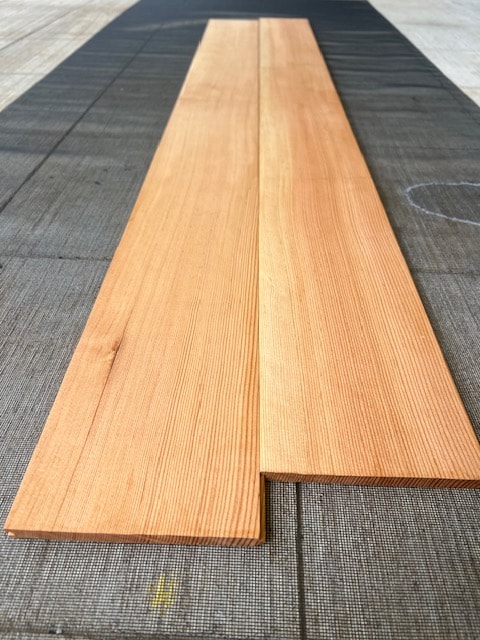
Click to replace photo
Frame 2
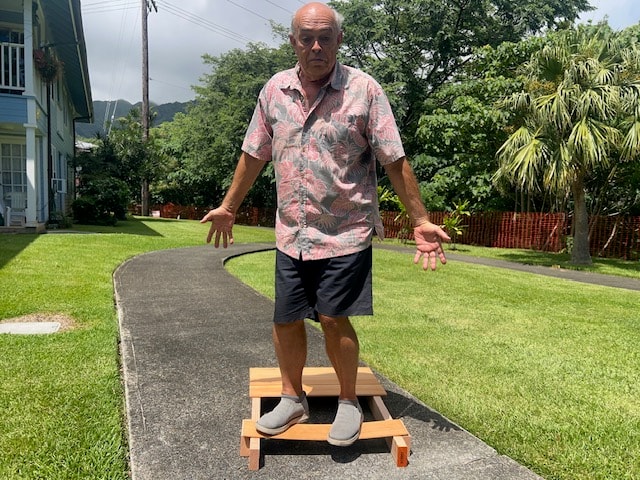
Click to replace photo
Frame 3
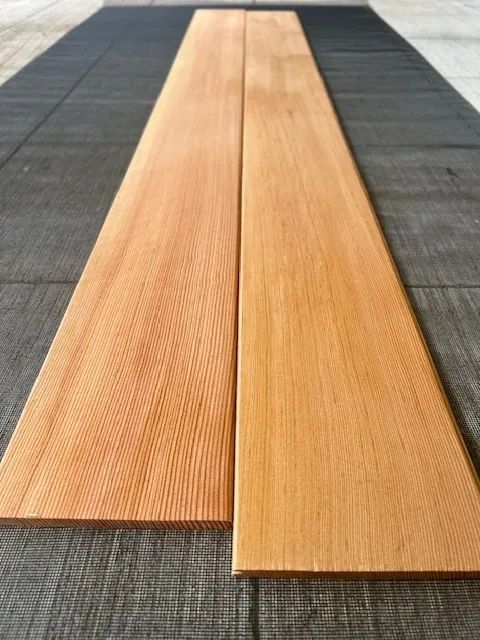
Click to replace photo
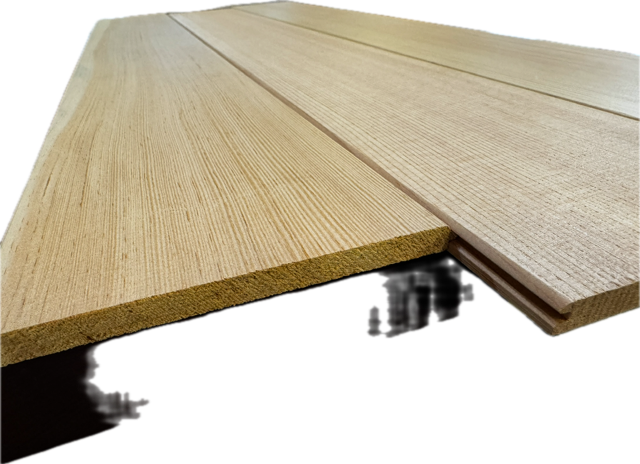
Frame 4
Click to replace photo
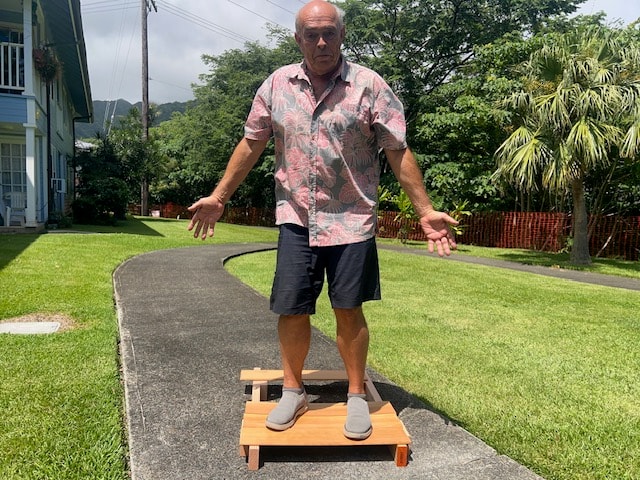
Frame 5
Click to replace photo
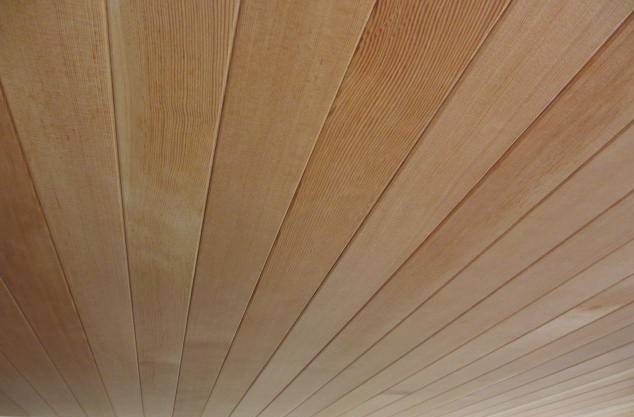
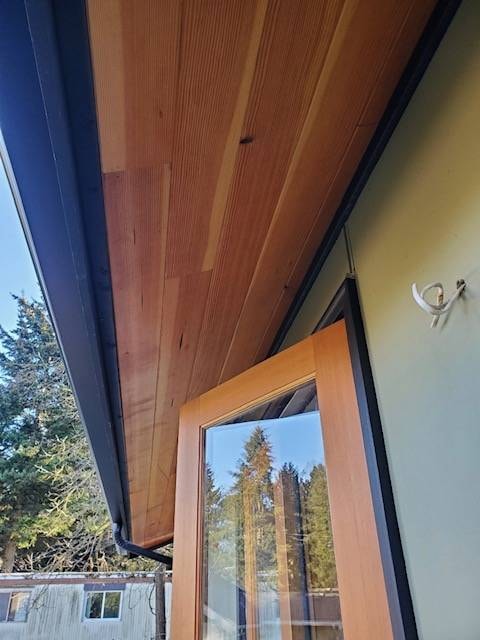
Frame 6 - T&G Installation
Click to replace photo
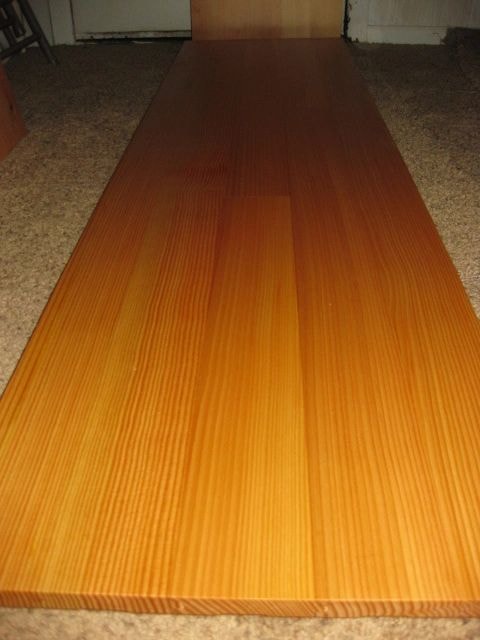
Frame 7 - Vertical Grain Detail
Click to replace photo
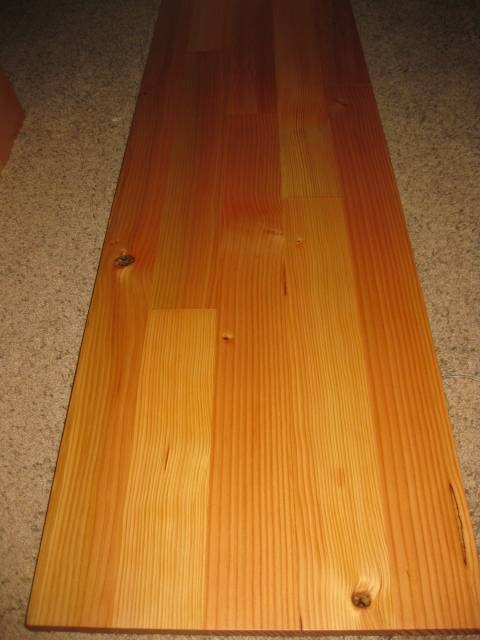
Frame 8 - Wall Paneling
Click to replace photo
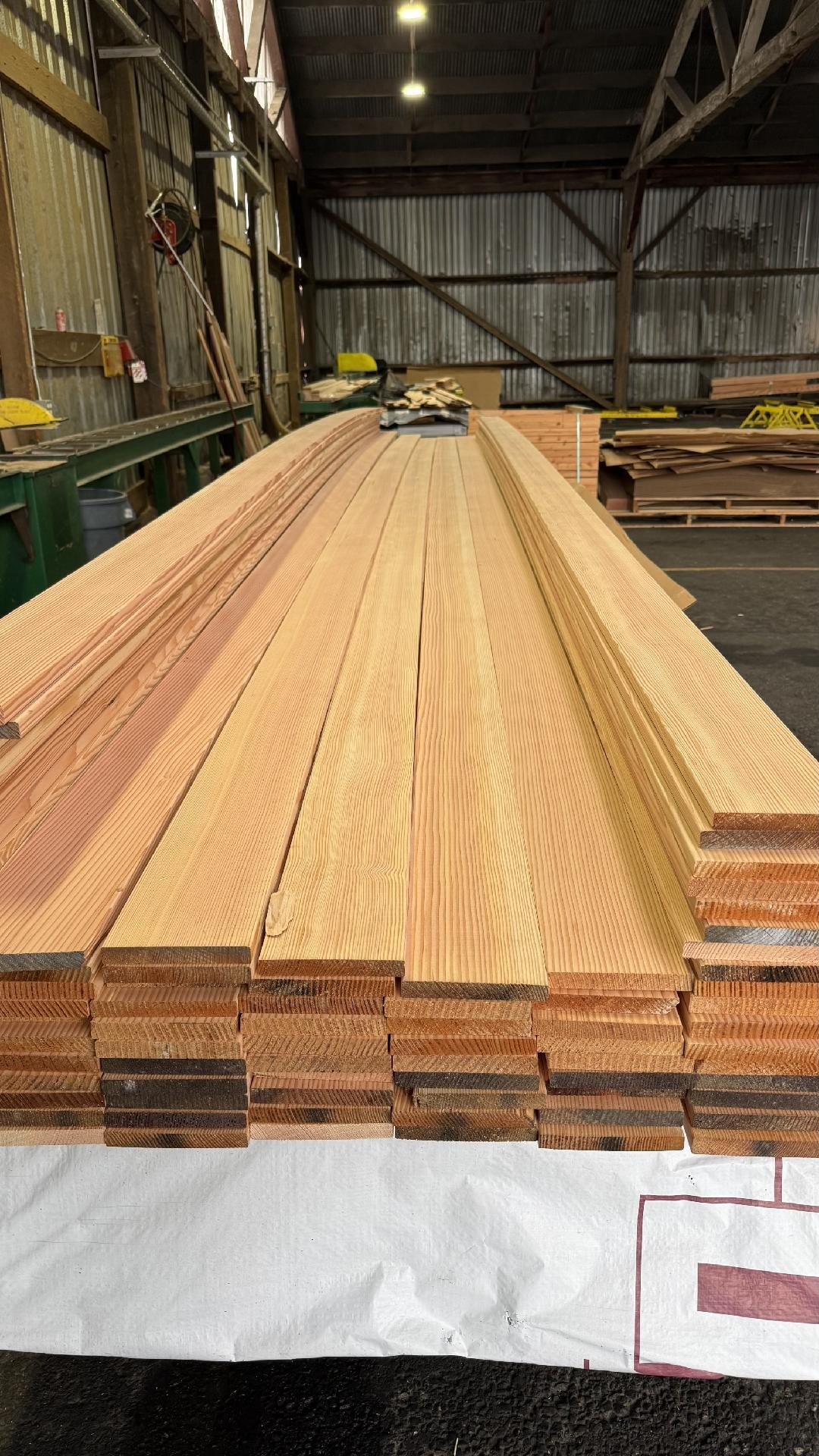
Frame 9 - Grain Texture
Click to replace photo
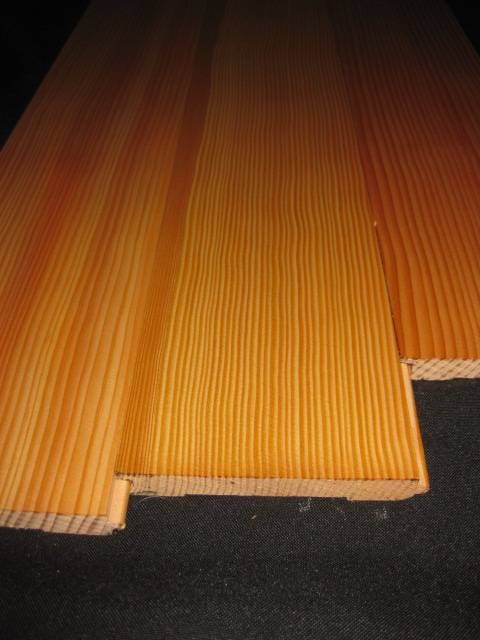
Frame 10
Click to replace photo
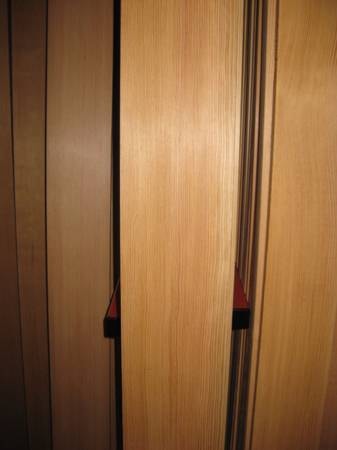
Frame 11
Click to replace photo
Frame 12